
In 2026, modern businesses demand ERP solutions that are flexible, open-source, low-code, and built for scalable automation. Among emerging enterprise software platforms, Axelor ERP Open Source has quickly gained popularity especially among companies looking for an open-source, modular, and highly customizable alternative to traditional ERP giants.
This comprehensive 2026 guide explores everything you need to know about Axelor ERP Open Source , including its hybrid architecture, low-code tools, key modules, installation process, developer features, pricing, pros/cons, and Axelor’s place in the ERP market.
Whether you’re a business owner, developer, IT manager, or consultant—this in-depth analysis will help you evaluate if Axelor ERP Open Source is the right choice for 2026 and beyond.
What Is Axelor ERP? (2026 Overview)
Axelor ERP is an open-source business application suite combining ERP, CRM, BPM, workflow automation, BI, and more into a unified platform. What makes Axelor stand out in 2026 is its high-performance hybrid architecture paired with low-code/no-code customization, enabling companies to build tailored business applications rapidly—without heavy coding.
Axelor ERP Key Highlights in 2026
-
- 1. Fully open-source ERP suite
-
- 2. Built on a Java-based hybrid architecture
-
- 3. Integrated CRM, finance, HR, supply chain, manufacturing, project management
-
- 4. Drag-and-drop low-code studio for workflows
-
- 5. Modern & intuitive user interface
-
- 6. Modular structure with over 30+ business applications
-
- 7. Large and active developer community (GitHub: Axelor Open Platform)
Axelor positions itself as a future-ready ERP solution for SMEs, mid-sized enterprises, and digitally-transforming industries requiring agility rather than rigid ERP structures.
Hybrid Architecture: The Core Strength of Axelor ERP
The 2026 version of Axelor is built on a hybrid architecture combining the efficiency of compiled code with the flexibility of metadata-driven configuration.
Core Architectural Components
-
- 1. Axelor Open Platform (AOP) – the main framework
-
- 2. Axelor Open Suite – functional business modules
-
- 3. Low-Code/No-Code Engine – for workflows & UI
-
- 4. API-first design – REST & GraphQL support
-
- 5. Modular microservice-ready build – supports scalable deployments
This hybrid structure allows customization at multiple layers:
| Layer | Customization Level |
|---|---|
| Business Logic | Low-code & Java |
| UI | Drag-and-drop builder |
| Workflow automation | BPM engine |
| Integrations | REST APIs, connectors |
This enables companies to adapt Axelor to unique workflows without breaking core functionality—a major advantage over monolithic ERPs.
Low-Code Customization: Why Axelor Leads in 2026
Low-code is a major priority for businesses in 2026, and Axelor is one of the few open-source ERP systems offering a robust low-code environment built directly into the platform.
Axelor Low-Code Capabilities
-
- Visual workflow designer
-
- Drag-and-drop form builder
-
- Custom entities without coding
-
- Automation rules
-
- BPM engine for designing complex processes
-
- Dynamic dashboards & reporting tools
-
- Custom mobile & web app development
Developers can extend everything further using:
-
- 1. Java
-
- 2. Groovy
-
- 3. JSON-based configuration
-
- 4. XML templates
This mix makes Axelor ideal for organizations wanting an ERP that’s both developer-friendly and business-user-friendly.
Axelor ERP Customization and Development
Axelor ERP customization allows businesses to adapt the platform to their specific workflows, industry requirements, and operational processes. Depending on the complexity of the requirement, businesses can use Axelor’s low-code tools for workflow and interface changes or rely on developer-level customization for more advanced functionality.
Common Axelor ERP customization requirements include custom modules, business logic, workflow automation, custom forms, dashboards, reports, custom CRM functionality, API integrations, and connections with third-party systems. For example, businesses may customize CRM workflows to better manage leads, sales pipelines, customer interactions, and industry-specific customer management processes. Developers can extend Axelor using technologies such as Java, Groovy, JSON-based configuration, and XML templates.
This combination of low-code configuration and code-based development makes Axelor suitable for organizations that need a flexible ERP platform without being restricted to standard out-of-the-box functionality. Businesses can also extend their ERP environment with custom CRM functionality when standard CRM features do not fully support their sales and customer-management requirements.
Axelor ERP Key Modules (2026 Updated)
Axelor ERP includes over 30 business modules. Below are the most widely used and updated ones for 2026:
-
- 1. Axelor CRM
-
- Lead, deal, and pipeline management
-
- Email automation
-
- Activity tracking
-
- Customer segmentation
-
- Built-in marketing tools
-
- 1. Axelor CRM
-
- 2. Sales & Procurement
-
- Sales order automation
-
- Purchase workflows
-
- Vendor management
-
- Quotes & price lists
-
- Multi-currency handling
-
- 2. Sales & Procurement
-
- 3. Finance & Accounting
-
- General ledger
-
- Invoices & payments
-
- Budgeting
-
- Bank reconciliation
-
- Tax configuration per country
-
- 3. Finance & Accounting
-
- 4. Inventory & Warehouse
-
- Stock movement
-
- Multi-location warehouse handling
-
- Barcode & RFID support
-
- Replenishment rules
-
- Lot/serial tracking
-
- 4. Inventory & Warehouse
-
- 5. Manufacturing (MRP)
-
- Production planning
-
- Work orders
-
- BOM management
-
- Resource scheduling
-
- Quality checks
-
- 5. Manufacturing (MRP)
-
- 6. HR & Payroll
-
- Attendance & leave management
-
- Payroll automation
-
- Employee self-service portal
-
- Timesheets
-
- 6. HR & Payroll
-
- 7. Project Management
-
- Task scheduling
-
- Gantt, Kanban, calendar views
-
- Resource allocation
-
- Project budgeting
-
- 7. Project Management
-
- 8. BI & Analytics
-
- KPI dashboards
-
- Custom analytics builder
-
- Drill-down data exploration
-
- 8. BI & Analytics
-
- 9. BPM & Workflow Automation
-
- Fully integrated BPM engine
-
- Business process modeling
-
- Rule-based automations
-
- 9. BPM & Workflow Automation
You can enable only the modules you need—keeping Axelor lightweight and cost-effective.
Industries Supported by Axelor ERP (2026)
Axelor has gained significant traction across multiple industries due to its flexible architecture and open-source approach.
Industries Using Axelor ERP Open Source
-
- Manufacturing
-
- Distribution
-
- Trading
-
- Retail & eCommerce
-
- Finance & professional services
-
- Education
-
- Healthcare
-
- Construction
-
- Automotive
-
- Technology & SaaS
-
- Public sector organizations
The combination of ERP + CRM + BPM makes Axelor suitable for workflows that require automation and scalability.
Axelor ERP Pricing (2026 Edition)
Pricing is a common question, and while Axelor ERP is open-source, the company provides enterprise editions and paid services.
Axelor ERP Pricing Structure
-
- 1. Open Source Version
-
- Free to download
-
- Self-hosted
-
- Requires your own server/devops team
-
- 1. Open Source Version
-
- 2. Axelor Enterprise Cloud (estimates for 2026)
-
- Starts at around €25–€50 per user/month
-
- Includes hosting, updates, and support
-
- 2. Axelor Enterprise Cloud (estimates for 2026)
-
- 3. Customization & Development Costs
-
- Depends on your SI partner or developers
-
- Low-code helps reduce overall implementation costs
-
- 3. Customization & Development Costs
While Axelor ERP Open Source pricing varies by region and customization level, it remains significantly more affordable than SAP, Oracle, Odoo Enterprise, or Microsoft Dynamics implementations.
Axelor ERP Installation (2026 Guide Reference)
Axelor ERP Open Source provides official installation documentation:
-
- Installation Guide: axelor.com/installation-guide
-
- Developer Guide: docs.axelor.com/adk/8.0/getting-started/install.html
-
- GitHub Repositories:
-
- github.com/axelor
-
- github.com/axelor/axelor-open-platform
-
- GitHub Repositories:
Basic Installation Steps
-
- 1. Install Java 11 or higher
-
- 2. Configure PostgreSQL
-
- 3. Set up Tomcat or Jetty
-
- 4. Deploy Axelor WAR file
-
- 5. Configure application.properties
-
- 6. Run the server and access the web interface
Developers benefit from a full Axelor Development Kit (ADK), making module creation and application extension straightforward.
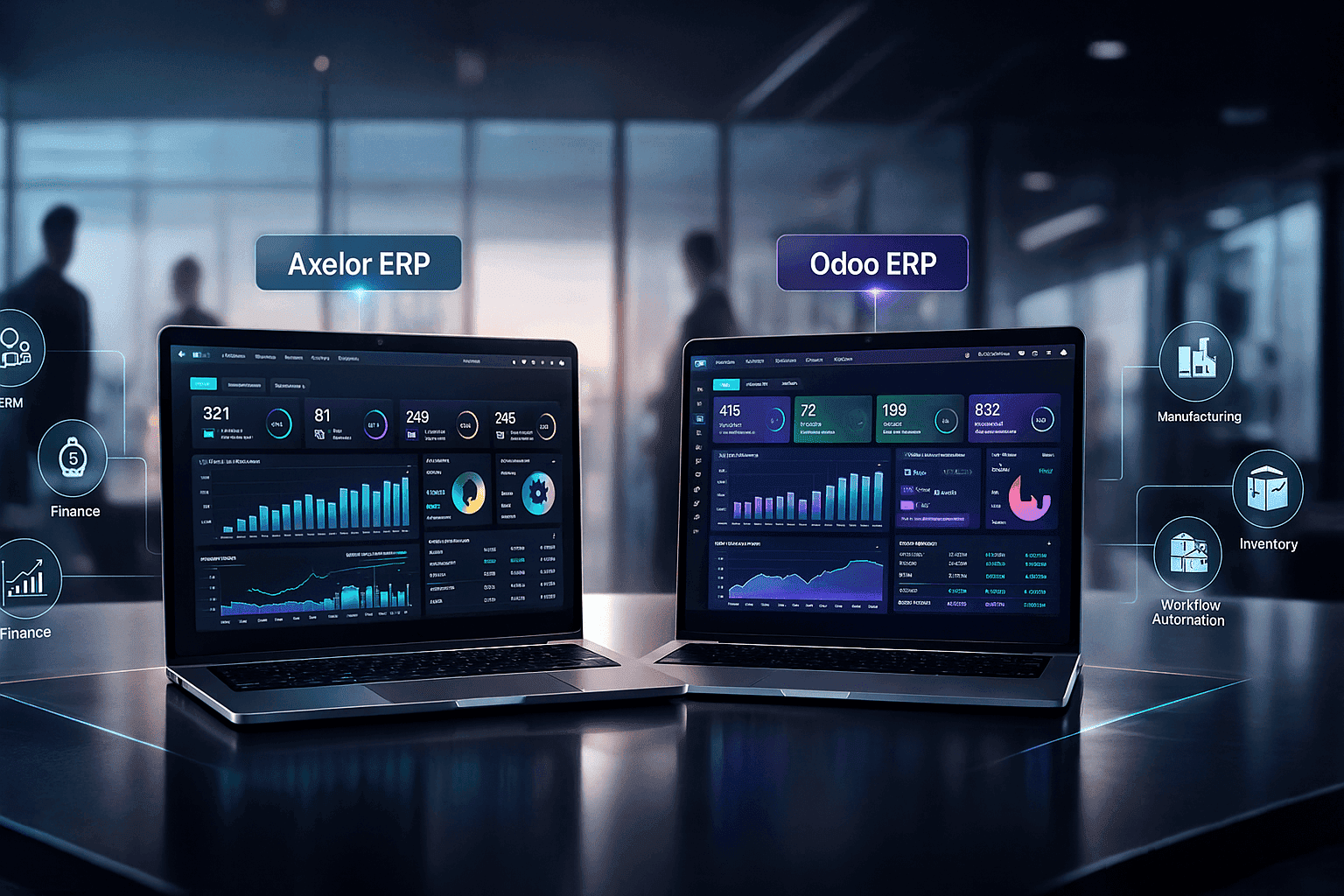
Axelor vs Odoo: ERP Comparison Table 2026
| Feature / Criteria | Axelor ERP | Odoo ERP |
|---|---|---|
| License | Open-source (AGPL) | Open-source (Community) + Paid Enterprise |
| Low-Code / No-Code | Strong low-code platform with drag-and-drop workflow & UI builder | Limited low-code; mostly module-based customizations |
| CRM Module | Built-in, fully integrated CRM with automation | Integrated CRM; some advanced features require Enterprise edition |
| Modularity | Modular architecture; enable only required modules | Modular architecture; larger ecosystem of apps |
| Customization | High customization via low-code and Java | Customization possible; requires Python or paid apps |
| Deployment | Self-hosted or Cloud | Self-hosted, Cloud, or Odoo.sh |
| Industries Supported | Manufacturing, Retail, Finance, Healthcare, Education, Public sector, SMEs | Manufacturing, Retail, Services, eCommerce, SMBs and Enterprises |
| Pricing (2026) | Open-source free; Enterprise cloud €25–€50/user/month | Community free; Enterprise €20–€60/user/month + extra for apps |
| User Interface | Clean, functional, simple; responsive for mobile | Modern UI; some advanced modules may look inconsistent |
| Workflow Automation | Built-in BPM engine, full workflow automation | Some automation available; Enterprise offers more advanced workflow apps |
| Community & Support | Active open-source community; GitHub & documentation | Large community; extensive marketplace & paid support options |
| Best Use Case | Companies needing open-source ERP + CRM + BPM, highly customizable with low-code | Companies needing a large ecosystem of modules with easier setup, suitable for SMBs |
Axelor ERP Developer Features (2026 Breakdown)
For developers, Axelor is one of the most flexible ERP frameworks thanks to:
1. Axelor Open Platform (AOP)
A powerful framework that handles:
-
- ORM
-
- Metadata
-
- UI components
-
- Workflow engine
2. REST & GraphQL APIs
Enables integrations with:
-
- – eCommerce platforms
-
- – Mobile apps
-
- – Payment gateways
-
- – Third-party ERPs and CRMs
3. Code-Based & Low-Code Development
Developers can combine:
-
- – Java
-
- – JSON models
-
- – XML
-
- – Low-code tools
4. Module Development Support
Create reusable custom modules for:
-
- – HR enhancements
-
- – Finance workflows
-
- – Manufacturing extensions
5. Active GitHub community
Axelor has hundreds of contributors updating modules, documentation, and security patches—making it reliable for enterprise use.
Axelor ERP Interface in 2026
The UI of Axelor ERP has become one of its strengths:
Interface Features
-
- – Clean, modern dashboard
-
- – Responsive design for mobile/tablet
-
- – Drag & drop customization
-
- – Clear navigation menus
-
- – Intuitive forms & list views
-
- – High-level KPI dashboards
The interface is designed to reduce onboarding time and speed up daily operations.
Axelor ERP Review: Should You Choose It in 2026?
| Category | Details |
|---|---|
| Pros | • Fully open-source and transparent • Powerful low-code/no-code functionality • Modular and scalable • Ideal for SMEs & mid-sized companies • Hybrid architecture for easy customization • Affordable compared to SAP, Oracle, and Odoo Enterprise • Strong community support • Extensive documentation & GitHub repositories |
| Cons | • Smaller ecosystem than Odoo or SAP • Requires technical knowledge for self-hosting • Some modules require customization for niche industries • UI may feel simple compared to premium enterprise ERPs |
| Best Use Cases | • Companies seeking open-source reliability • Organizations wanting low-code customization • Businesses needing ERP + CRM + BPM in a unified platform • Teams looking for scalable, automation-ready workflows • Firms aiming to reduce ERP licensing & development costs |
Why Choose Axelor Open Source ERP Software?
In 2026, Axelor Open Source stands out because it offers:
-
- – No vendor lock-in
-
- – Total access to source code
-
- – Long-term flexibility
-
- – Rapid development capabilities
-
- – Enterprise-grade features without enterprise pricing
Organizations looking to future-proof their operations will benefit from Axelor’s low-code engine and robust open-source foundation.
Conclusion: Is Axelor ERP the Best Open-Source ERP for 2026?
With its hybrid architecture, low-code capabilities, open-source licensing, and broad range of modules, Axelor ERP is one of the strongest ERP platforms for 2026—especially for organizations seeking flexibility, automation, and cost efficiency.
If you need an ERP system that is:
-
- – Scalable
-
- – Customizable
-
- – Developer-friendly
-
- – Affordable
-
- – Packed with modern automation features
then Axelor ERP Open Source is absolutely worth considering in 2026.
It bridges the gap between traditional enterprise ERPs like SAP or Oracle and open-source platforms like ERPNext—delivering a balanced, future-proof solution for growing businesses.