If you’re exploring lightweight ERP business software that doesn’t overwhelm you with complex workflows, expensive add-ons, or steep learning curves, Dolibarr is probably already on your radar. In a world where platforms like Odoo and ERPNext dominate the enterprise space, Dolibarr quietly wins the hearts of freelancers, agencies, and micro-businesses—especially in the US and UK, where small businesses prefer tools that are simple, efficient, and affordable.
This in-depth guide explores everything you need to know about Dolibarr ERP & CRM, including key modules, pricing, strengths, limitations, deployment options, and how it compares to Odoo and ERPNext in 2026.
Let’s jump in.
What Is Dolibarr? (2026 Overview)
Dolibarr is an open-source, modular ERP and CRM business software designed to help freelancers and small businesses manage essential operations like invoicing, accounting, sales, inventory, HR, and projects—all without the heavy complexity of corporate-grade ERPs.Where Odoo is massive and ERPNext is developer-centric, Dolibarr focuses on simplicity, speed, and affordability. OR
Dolibarr is an open-source ERP and CRM software designed with simplicity and flexibility in mind. Written in PHP, it supports MySQL, MariaDB, or PostgreSQL. Unlike heavyweight enterprise ERP systems, Dolibarr offers a modular, lightweight solution. You only enable the modules you need — whether accounting & invoicing, CRM, inventory, or HR — making it especially attractive for freelancers, micro-businesses, and small enterprises. Because Dolibarr is GPL-licensed, you have full control over your data. You can self-host it on your own server or use cloud / SaaS options.
Why Dolibarr is Popular in the US & UK
- Small businesses don’t want expensive subscription models.
- Freelancers want easy invoicing, project tracking, and CRM in one place.
- Startups prefer tools they can install quickly without hiring consultants.
Dolibarr fits all three profiles perfectly.
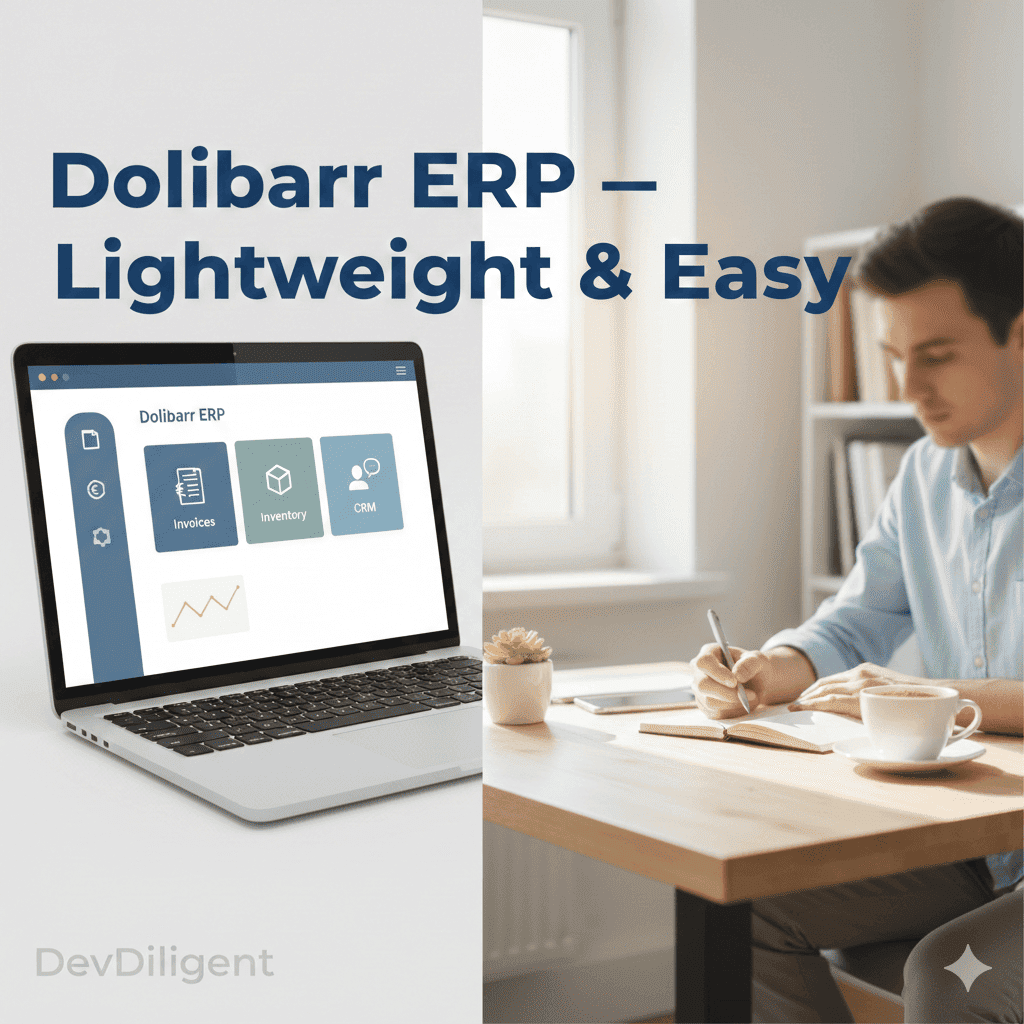
What Is Dolibarr Used For?
Dolibarr is used for business management automation, helping organizations centralize:
- Accounting & Invoicing
- Sales & CRM tracking
- Tasks & project workflows
- Inventory & stock management
- HR, attendance & payroll
- Product/service catalog
- Proposal & contract management
In short: Dolibarr simplifies daily business operations without the headache of large ERP systems.
Key Features of Dolibarr:
Here are the core modules and functionality that Dolibarr supports:
| Module | Key Features | Business Benefits |
|---|---|---|
| Accounting & Invoicing | Invoice creation, payment tracking, bank integration | Easy billing, cash flow visibility |
| Project & Task Management | Create tasks, track time, assign users | Simplifies project execution for small teams |
| Inventory & Product Management | Stock tracking, product catalogs, multi-warehouse support | Keeps inventory lean and organized |
| CRM & Sales | Leads, contacts, quotations, orders | Helps manage customer pipeline and sales processes |
| HR & Payroll | Employee records, leave management, payroll basics | Manages staff and compensations effectively |
These modular features make Dolibarr a very lightweight yet capable ERP business software.
Dolibarr Technical Overview
Dolibarr is built in PHP with a MySQL/MariaDB backend, making it easy to host on:
- Shared hosting
- VPS
- Cloud servers (AWS, DigitalOcean)
- Windows, macOS, Linux
It also offers a REST API, documented in the Dolibarr REST API documentation, allowing integrations with:
- Mobile apps
- eCommerce stores
- Payment gateways
- Third-party CRMs
Dolibarr Pricing (2026 Guide)
One of the biggest reasons people Google “Dolibarr pricing” is because its model is very different from competitors.
Here’s the simple truth:
Dolibarr is completely free if you self-host it.
– No per-user fees.
– No subscription plans.
– No hidden modules.
If you use Dolibarr Cloud:
- Prices usually range from $12 – $40 per month depending on plan and number of users.
- Hosting providers may add a small maintenance fee.
Why Is It Cheaper Than Odoo or ERPNext?
Because Dolibarr aims to support small businesses, not enterprise corporations.
You pay only for hosting—nothing else.
Strengths of Dolibarr:
Simple to Install and Use
Dolibarr offers auto-installer packages for Windows, Mac, Linux, and Docker.
Low Learning Curve
The UI is straightforward and not overloaded, which makes it easy for business owners and non-technical users to adopt.
Lightweight & Efficient
Because you only activate needed modules, Dolibarr remains lean and fast, minimizing resource usage.
Modular & Extensible
Its modular architecture allows enabling only the functionality you need. There’s also a marketplace (Dolistore) for add-ons.
Open-Source with Community
GPL-licensed software with an active developer and user community.
Weaknesses of Dolibarr
Limited Advanced Modules for Large Enterprises
Dolibarr is not built for highly complex or enterprise-scale ERP use. According to comparisons, it lacks some advanced native features that solutions like Odoo or ERPNext offer.
Smaller Community Compared to Odoo or ERPNext
While Dolibarr has a committed community, it doesn’t match the sheer size or ecosystem of Odoo or ERPNext.
Security Considerations
There are known vulnerabilities — for example, a file upload vulnerability (CVE-2023-38887) if certain modules (DMS/ECM + REST API) are enabled.
Ideal Use Cases for Dolibarr
Dolibarr shines in the following scenarios:
- Freelancers who need a system to invoice, track clients, and manage basic accounting.
- Micro-Businesses / Startups that want an ERP but can’t afford expensive or overly complex systems.
- Small Service Firms or Project-Based Teams that need project/task tracking plus CRM.
- Small Retail or Inventory Teams that need light inventory and product management without heavy ERP complexity.
Dolibarr vs Odoo vs ERPNext: How It Compares
Comparing Dolibarr with larger ERP systems helps clarify where it stands
| Feature | Dolibarr | Odoo | ERPNext |
| Target Users | Freelancers, small businesses | SMEs, large companies | SMEs, manufacturing |
| Ease of Use | Easy | Medium | Technical |
| Pricing | Free / low-cost | Freemium + paid apps | Free (self-host) |
| Customization | Moderate | Very high | Very high |
| Mobile App | Basic | Excellent | Moderate |
| Community Size | Medium | Very large | Large |
| Advanced Manufacturing | Limited | Strong | Strong |
| eCommerce | Basic | Strong | Strong |
| Best For | Simple business management | Full business suite | Developers & manufacturers |
Is Dolibarr Completely Free
Yes, when self-hosted. This is one of the most searched questions—especially from US/UK-based small businesses trying to avoid SaaS subscriptions.
How Does Dolibarr Compare to Other ERPs?
Dolibarr vs Odoo
- Odoo is more advanced and offers a wider app store
- Dolibarr is easier to use and far cheaper
Dolibarr vs ERPNext
- ERPNext offers better manufacturing & accounting
- Dolibarr offers simpler workflows and a lower learning curve
Security & Maintenance
As with any web-based ERP, security depends on configuration, hosting, and updates.
The file-upload vulnerability (CVE-2023-38887) is a notable risk if using DMS/REST API modules.
Regular upgrades: Dolibarr supports seamless upgrades to newer versions without data loss, thanks to its design.
Support: You can rely on community forums or hire third-party developers and service providers.
Deployment Options
Dolibarr offers flexibility in how you host and manage it:
- On-Premise / Self-Hosted: Install on your own Linux, Windows, or Mac environment using auto-installer packages (DoliWamp, DoliDeb, Docker, etc.).
- Cloud / SaaS: Use via third-party SaaS providers or partners.
- Hybrid: Depending on provider support, companies may run Dolibarr locally with remote backups or cloud integration.
Recent Updates & Roadmap (Latest Info)
The Dolibarr 23 Beta is in freeze as of November 2025.
Maintenance release V22.0.2 was released in September 2025.
There is ongoing development through a strong global community.
The roadmap includes improved UI/UX, more modules, and better low-code tools for module building.
Risks & Limitations to Consider
Scaling Limits: As your business grows, Dolibarr may hit limitations in advanced ERP needs (e.g., complex manufacturing, multi-entity financials).
Smaller Developer Ecosystem: Fewer ready-made modules compared to larger ERPs; custom work might be required.
Security Risks: As mentioned, certain modules can expose vulnerabilities; staying up to date is essential.
Customization Overhead: For heavily customized workflows, you may need PHP developers.
Support Reliability: If relying on community support, response times can vary; paid support is available but adds cost.
Why Choose Dolibarr for Your Business (US / UK )
Cost-Conscious SMEs: In the US and UK markets, where small businesses may not have huge IT budgets, Dolibarr offers a powerful ERP without licensing fees.
Freelancers / Consultants: Individuals who bill clients or manage small teams can use its invoicing and CRM to formalize their operations.
Service-Based Businesses: Agencies, small consultancies, and project-based firms benefit from its project & task management plus CRM.
Startups: Early-stage companies can begin with a lean ERP and scale up only modules they need.
Non-Tech-Heavy Teams: Since installation and use are simpler, companies without large DevOps teams can run Dolibarr easily.
Comparison Snapshot (Dolibarr vs Competitors)
| Criteria | Dolibarr | Odoo / ERPNext (Competitors) |
|---|---|---|
| Licensing Cost | Free (GPL), paid modules optional | Odoo Enterprise users + modules; ERPNext support or cloud fees |
| Technical Stack | PHP, MySQL / MariaDB / PostgreSQL | Python-based (Odoo, ERPNext) |
| Ease of Use | Very straightforward, modular setup | Odoo more polished, ERPNext more feature-rich but steeper learning curve |
| Community / Marketplace | Smaller, but active and growing | Larger ecosystems, especially for Odoo |
| Hosting Options | Self-host, cloud, SaaS partners | Self-host, cloud (Odoo.sh, Frappe Cloud) |
Conclusion
For freelancers, micro-businesses, and small enterprises in the US and UK, Dolibarr represents a highly attractive ERP business software. With its low cost, modular design, and open-source nature, Dolibarr allows companies to adopt only what they need and scale gradually.
While it may not match enterprise-level ERPs in module richness or polished UI, its simplicity, efficiency, and solid community make it a smart choice for budget-conscious business owners who want a practical, no-nonsense ERP. For businesses that don’t require extremely advanced functionality or deep custom workflows, Dolibarr offers real value without over-complication.