
SuiteCRM is one of the most flexible open-source CRMs — but with new updates, enhanced modules, and SuiteCRM 8 improvements, users often search for a clear, updated features list. This guide breaks everything down in a simple, actionable, and 2025-ready way.
In today’s fast-moving business world, customer relationship management (CRM) systems have become the backbone of success. Among open source CRMs, SuiteCRM stands tall as one of the most powerful, flexible, and cost-effective solutions. Its latest 8.x version introduces enhanced security, scalability, and automation, making it a top contender for businesses worldwide in 2025 and 2026.This guide explores the SuiteCRM features list, its core modules, and latest open source updates, so you can see how it empowers companies to manage customers, projects, and revenue, all in one unified platform.
Quick Summary: Top SuiteCRM Features (2025 Update)
SuiteCRM’s 2025 update brings a powerful set of features designed for modern CRM needs, including advanced sales automation, marketing automation, and a full email campaign manager. It offers workflow and process automation, detailed reports and dashboards, and a robust REST/Open API for integrations. Businesses benefit from its customer portal, refreshed SuiteCRM 8 UI enhancements, and strong lead and contact management tools. Security is improved through role-based access, while email integration, calendar and task management, product and quote modules, and case management support streamline daily operations. With responsive mobile CRM access, SuiteCRM remains one of the most flexible and scalable open-source CRMs available.
What Is SuiteCRM?
SuiteCRM is an open-source Customer Relationship Management software designed to deliver a 360-degree view of your customers and business operations. It helps organizations streamline sales, marketing, and support while giving full control over data and customization.
an alternative to Salesforce or HubSpot, SuiteCRM offers:
-
- – No licensing fees.
-
- – Full data ownership.
-
- – Open API for integrations.
-
- – Enterprise-level features without vendor lock-in.
The latest SuiteCRM 8.x release focuses on a cleaner interface, better performance, and stronger security, making it ideal for modern businesses.
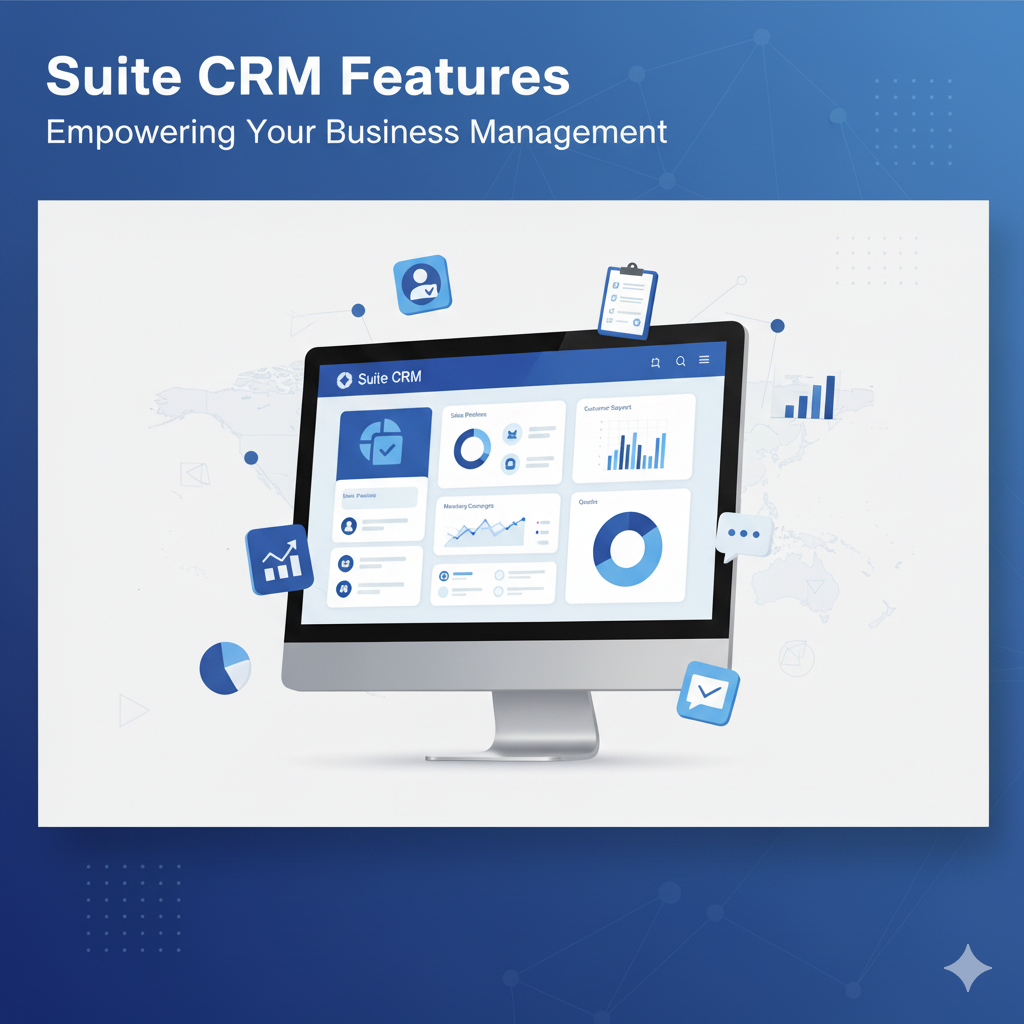
Core SuiteCRM Features (2025–2026)
Here’s the updated SuiteCRM features list based on official documentation and recent releases.
1. Contact, Account, and Lead Management
At its core, SuiteCRM helps you manage every aspect of your customer relationships.
-
- – Store detailed information about Contacts, Accounts, and Leads.
-
- – Segment audiences using filters and tags.
-
- – Track the full lead lifecycle from prospect to conversion.
-
- – Use Quick Filters (introduced in SuiteCRM 8.x) to find customer data faster.
This ensures teams always have accurate and actionable data at their fingertips.
2. Sales and Opportunity Management
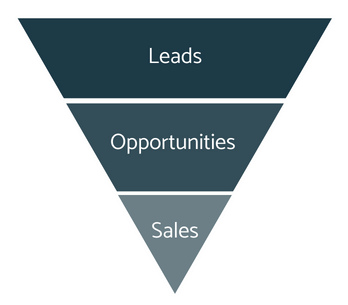
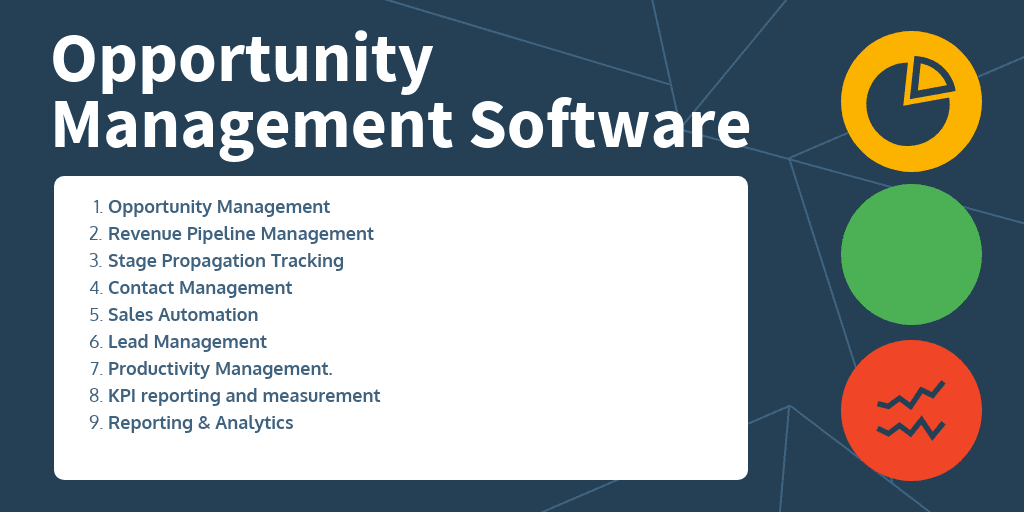
SuiteCRM gives businesses the ability to track and close deals more efficiently.
-
- – Manage Opportunities and Sales Pipelines visually.
-
- – Use Revenue Forecasting tools for better decision-making.
-
- – Automatically assign leads or deals using workflow rules.
-
- – Generate PDF Quotes and Invoices directly from the CRM.
By centralizing your sales process, SuiteCRM helps boost conversion rates and productivity.
3. Marketing Automation
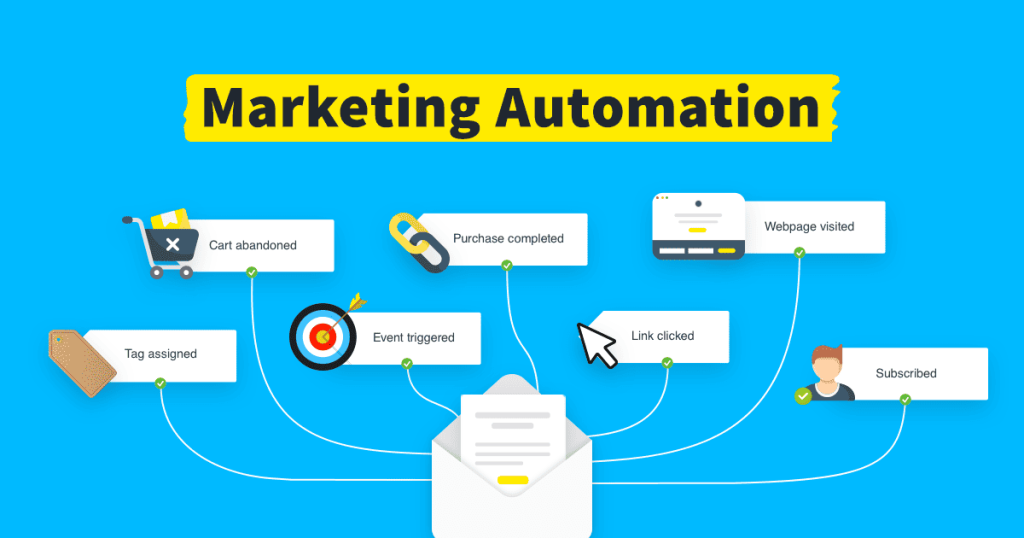
With SuiteCRM’s built-in marketing tools, you can:
-
- – Run and monitor email marketing campaigns.
-
- – Automate lead nurturing with workflows.
-
- – Track campaign performance using analytics.
-
- -Integrate with Mailchimp, SendGrid, or other tools via the REST API.
SuiteCRM 8.x has improved API capabilities, making campaign data syncing more seamless than ever.
4. Customer Support and Case Management
SuiteCRM’s Cases Module is designed to handle customer inquiries with ease:
-
- – Log, categorize, and prioritize customer issues.
-
- – Manage support workflows with Service Level Agreements (SLAs).
-
- – Use the Customer Portal for clients to submit and monitor tickets.
This feature helps improve response times and enhances customer satisfaction.

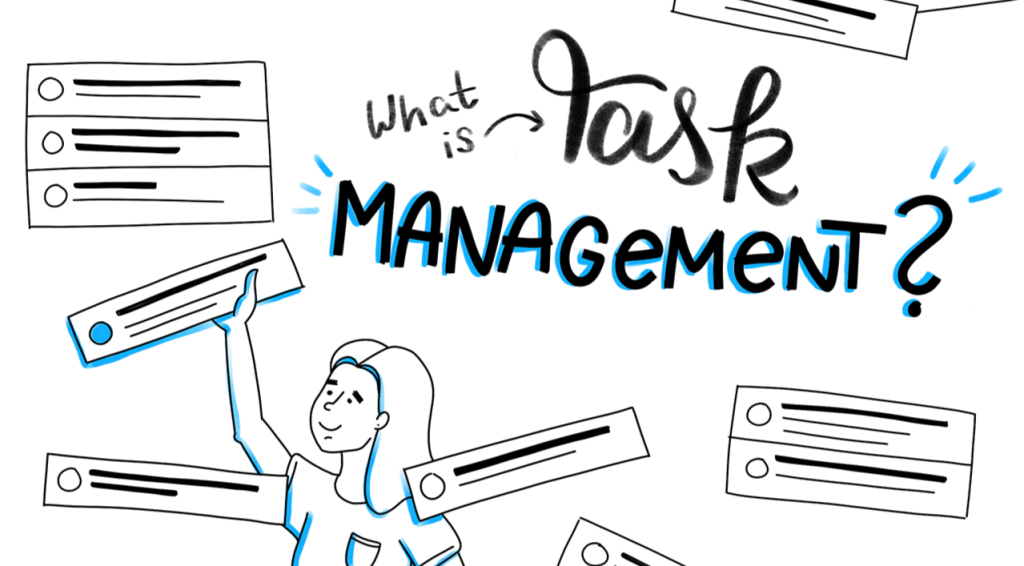
5. Project and Task Management
Unlike many CRMs, SuiteCRM includes a built-in Project Management module:
-
- – Create projects, assign tasks, and track progress.
-
- – Define milestones and link projects to customers.
-
- – Generate project reports for internal tracking.
This integration allows teams to manage sales and projects without relying on third-party tools.
6. Reporting, Dashboards, and Analytics
SuiteCRM’s Reporting and Analytics features give you real-time business visibility:
-
- – Customize dashboards with charts, KPIs, and visual reports.
-
- – Export reports for meetings or audits.
-
- – Use data analytics to measure sales, marketing, and service performance.
The 8.x version introduces performance improvements for faster report generation and dashboard loading.
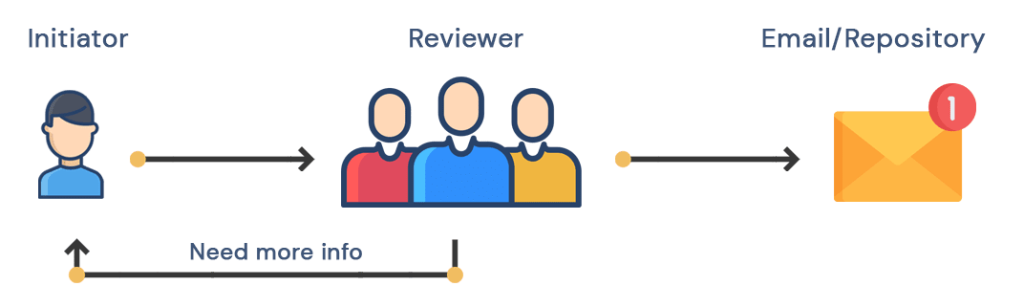
7. Workflow Automation and Approvals
SuiteCRM’s automation features save time and minimize errors.
-
- – Build workflows that trigger actions (emails, record updates, or notifications).
-
- – Set up approvals for quotes, deals, or contracts.
-
- – Automate repetitive tasks like follow-ups and reminders.
You can also leverage Security Suite controls to assign specific roles, ensuring the right people approve the right processes.
8. Security and Access Control
Security is one of the major upgrades in SuiteCRM 8.x.
Key improvements include:
-
- – Two-Factor Authentication (2FA) for added login security.
-
- – Role-Based Access Control (RBAC) to manage user permissions.
-
- – Security Suite Module to group users and define access levels.
-
- – Audit Logs to track activity and changes within the system.
These features make SuiteCRM a trusted solution for data-sensitive industries like finance and healthcare.

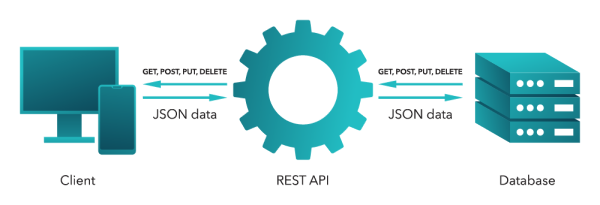
9. REST API and Integrations
SuiteCRM supports a robust REST API, enabling smooth integration with:
-
- – ERP systems, accounting tools, and custom business applications.
-
- – Marketing platforms and eCommerce systems.
-
- – Third-party data visualization or AI tools.
The 8.x REST API includes improved endpoints, authentication, and performance for developers building modern integrations.
10. Mobile CRM and Cloud Hosting
SuiteCRM is both cloud-ready and mobile-accessible:
-
- – Access customer data from any device.
-
- – Sync information automatically between desktop and mobile.
-
- – Host SuiteCRM on-premise or via cloud providers like AWS, DigitalOcean, or SuiteCRM Cloud.
This flexibility ensures you can manage customers anywhere, anytime.

Bonus Modules and Add-Ons (2026 Updates)
SuiteCRM also includes or supports:
-
- – PDF Templates for quotes and invoices.
-
- – Calendar & Activity Management.
-
- – Email Client Integration (IMAP/SMTP).
-
- – Add-ons Manager for easy module installation.
-
- – Knowledge Base for internal documentation.
-
- – AI-driven Insights (beta) under community extension support.
These modules make SuiteCRM not just a CRM — but a complete business management suite.
Why Choose SuiteCRM in 2025–2026?
Here’s why SuiteCRM continues to dominate the open-source CRM landscape:
-
- – Completely free and open source — no license cost.
-
- – Highly customizable — tailor every module or workflow.
-
- – Enterprise-grade features — from sales to analytics.
-
- – Enhanced security — with 2FA and audit logs.
-
- – Vibrant global community — ensuring ongoing improvements and support.
Whether you’re a small business or a large enterprise, SuiteCRM gives you control, transparency, and scalability without the cost of proprietary CRMs.
SuiteCRM News & Updates — November 2025 Summary
SuiteCRM continues to push major improvements, especially around stability, UI refinement, and API expansion. Here are the latest highlights:
– SuiteCRM 8 Enhancements
-
– Better overall UI performance
-
– Faster module loading
-
– Improved navigation
-
– New responsive layout updates
-
– Bug fixes across core modules
API & Developer Tools
-
– Expanded REST API endpoints
-
– Improved Authentication Support
-
– Smoother integration for mobile and third-party apps
Email & Marketing Tools
-
– Enhanced Campaign Manager
-
– Faster delivery engine
-
– New email template optimization
Security Updates
-
– Better access control
-
– Updated role management
-
– Security patches for SuiteCRM 7 and 8
2025 Release Focus
SuiteCRM’s development team is focused on:
– UI modernization
– Faster workflow engine
– Better integrations
– Marketing automation improvements
– Stabilizing SuiteCRM 8 for enterprise-level use
Conclusion
SuiteCRM has evolved into a modern, secure, and AI-ready open source CRM designed for businesses in 2025 and beyond.
With its latest SuiteCRM 8.x features — including workflow automation, advanced dashboards, two-factor authentication, and REST API integration — it empowers organizations to build stronger relationships, streamline operations, and scale efficiently.If you’re looking for a flexible and future-proof CRM, SuiteCRM offers the perfect combination of freedom, customization, and power.

![Why Are People Leaving SuiteCRM? [Insights & Alternatives]](https://devdiligent.com/blog/wp-content/uploads/2025/10/Untitled-design-10.png "Why Are People Leaving SuiteCRM? [2025 Insights & Alternatives]")