
Open source CRM platforms have revolutionized customer management by offering free, flexible, and customizable solutions. Among their most powerful features is API access, allowing seamless integration with other business tools and custom workflows. Whether you’re connecting your CRM with an ERP system, e-commerce platform, AI engine, or custom apps, mastering API implementation and customization is a game-changer.
To begin with, this guide walks you through everything you need to know—from planning and coding to, subsequently, deployment, security, and optimization. We’ll make it actionable and practical, including code samples in Python, PHP, and JavaScript, plus tables for easy comparison.
Why Open Source CRM APIs Matter
Open source CRM APIs unlock huge benefits:
- Flexibility: Mold CRM workflows and data models to your business.
- Interoperability: Connect CRM with ERP, marketing tools, helpdesks, and more.
- Cost Savings: Avoid vendor lock-in and expensive license fees.
- Community Support: Leverage active developer and support communities.
Recent studies (SuiteCRM, Odoo, EspoCRM) show businesses with API-connected CRMs experience up to 3X faster workflow automation and 50% fewer data entry errors.
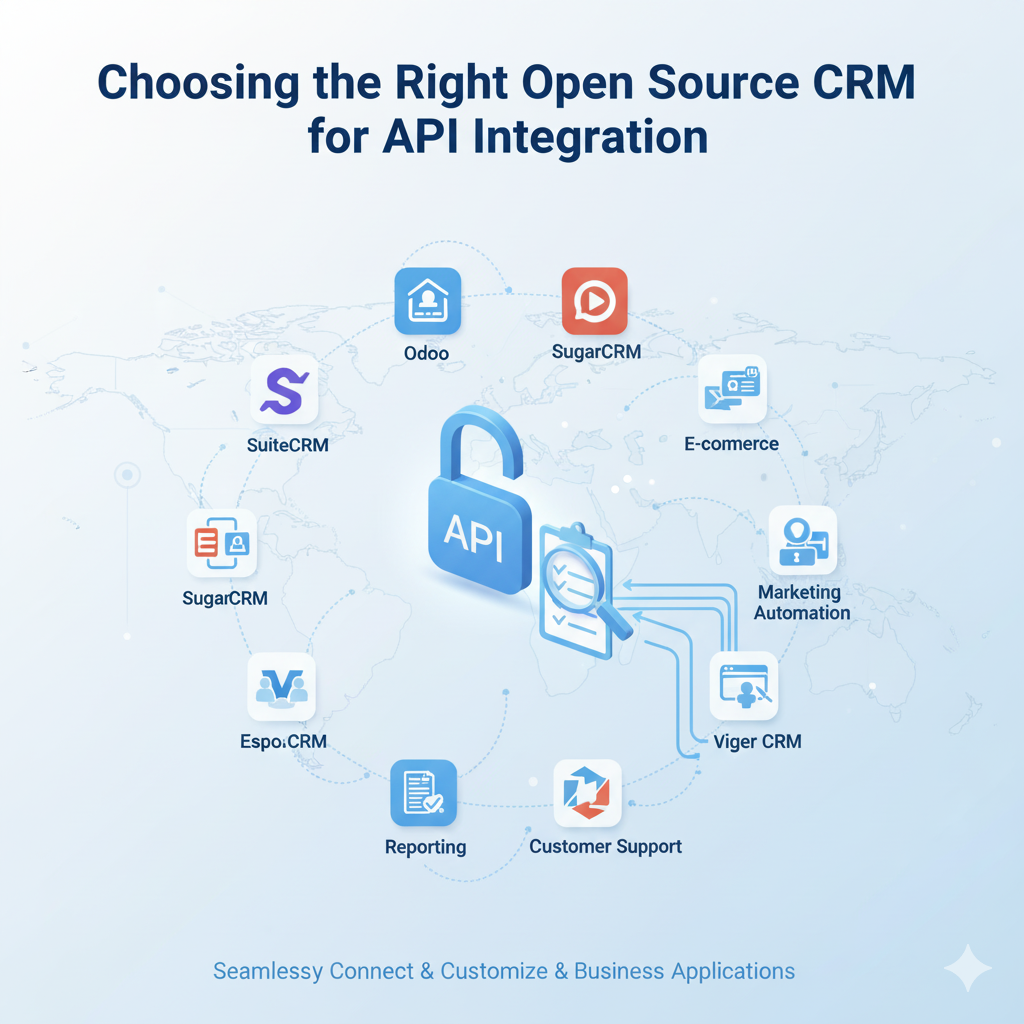
Choosing the Right Open Source CRM for API Integration
| CRM Platform | API Type | Authentication | Documentation Quality | Community | Best Use Cases |
|---|---|---|---|---|---|
| SuiteCRM | REST | OAuth2/Token | Excellent | Large | Sales, ERP, Helpdesk |
| Odoo | XML/JSON-RPC | Basic/Token | Very Good | Large | ERP-CRM, E-commerce |
| EspoCRM | REST | Token | Good | Medium | Lightweight CRM |
| PerfexCRM | REST | Token | Medium | Small | PM/Invoice, SMBs |
Step 1: Define Your Integration Objectives
- Systems to integrate (ERP, e-commerce, helpdesk, analytics, etc.)
- Data flow direction (one-way or two-way)
- Core CRM modules (leads, contacts, opportunities)
- Automation goals (lead assignment, status change triggers)
Tip: Draft a process diagram for clarity before coding.
Step 2: Prepare Your Environment
- Get API keys/OAuth tokens
- Set up user permissions
- Install/update CRM to the latest supported API version
- Test endpoint access (via browser or tools like Postman)
Step 3: Practical Coding Examples
Example 1: Fetch Contacts from SuiteCRM Using Python
import requests

url = "https://yourcrm.com/Api/V8/module/Contacts"
headers = {"OAuth-Token": "your_access_token"}

response = requests.get(url, headers=headers)
if response.status_code == 200:
    contacts = response.json()
    print("Contacts:", contacts)
else:
    print("Error:", response.status_code, response.text)
Explained: Uses the REST API, authenticates, and pulls contact data.
Example 2: Send New Lead to EspoCRM Using PHP
<?php
$ch = curl_init("https://yourcrm.com/api/v1/Lead");
$data = json_encode([
    "firstName" => "John",
    "lastName" => "Doe",
    "emailAddress" => "john.doe@example.com"
]);

curl_setopt($ch, CURLOPT_HTTPHEADER, [
    'Api-Key: your_api_key',
    'Content-Type: application/json'
]);
curl_setopt($ch, CURLOPT_POST, 1);
curl_setopt($ch, CURLOPT_POSTFIELDS, $data);
curl_setopt($ch, CURLOPT_RETURNTRANSFER, true);

$response = curl_exec($ch);
curl_close($ch);
echo $response;
?>
Explained: Uses PHP cURL to POST a new lead object.
Example 3: Fetch Company Data from Odoo CRM Using Node.js
const odoo = require('odoo-xmlrpc');

const client = new odoo({
  url: 'https://your-odoo-url.com',
  db: 'odoo_db',
  username: 'admin',
  password: 'admin'
});

client.connect((err) => {
  if (err) return console.error(err);
  const inParams = [[['is_company', '=', true]]];
  client.execute_kw('res.partner', 'search', inParams, (err, value) => {
    if (err) return console.error(err);
    console.log('Company IDs:', value);
  });
});
Specifically, this example uses Node.js and the XML-RPC package to call Odoo’s API.
Example 4: Setting up a Webhook in SuiteCRM
Webhooks allow SuiteCRM to push updates to external apps in real-time (e.g., update in CRM triggers notification to Slack).
- Go to SuiteCRM > Admin > Webhooks
- Click “Add Webhook” and input the target URL and event type (e.g., lead created)
Example:
If you want a POST to your app on every new contact:
https://yourapp.com/webhook/contact-createdNext, configure the event type as “Contact Created”.
4 Step: Data Mapping & Transformation
- Map CRM fields to destination fields carefully
- Use middleware like Zapier, Integromat, or Python scripts for complex mapping
- Filter or transform data before it’s transmitted (change formats, clean up text, etc.)
5 Step: Testing & Validation
- Use Postman, Swagger, or Insomnia for API endpoint tests
- Test for data correctness, speed, error handling, rate limits
- Validate security: always use HTTPS, apply key rotation where possible
6 Step: Maintenance & Monitoring
- Set up logs and alerts for integration failures
- Monitor API quotas and usage (CRM admin panel or analytics platform)
- Create update plans for CRM/API version changes
Advanced Customization Techniques For Customize Open Source CRM
| Customization Method | Use Cases | Supported CRMs |
|---|---|---|
| Custom Modules | Industry-specific features | SuiteCRM, Odoo, EspoCRM |
| Workflow Automation | Automated actions/triggers | SuiteCRM, Odoo |
| Field Extensions | Specialized data tracking | All major CRMs |
| Webhooks | Real-time notifications | SuiteCRM, Odoo |
Advanced Coding: Creating a Custom API Endpoint
SuiteCRM Custom Endpoint Example (PHP):
Suppose you want a tailored endpoint /Api/V8/module/CustomAction for a custom task.
- Create a new PHP file in
custom/modules/Api/controllers/CustomAction.php - Register your route in SuiteCRM’s API routing config
- Implement your logic in the controller class
(Requires SuiteCRM development knowledge; refer to SuiteCRM documentation)
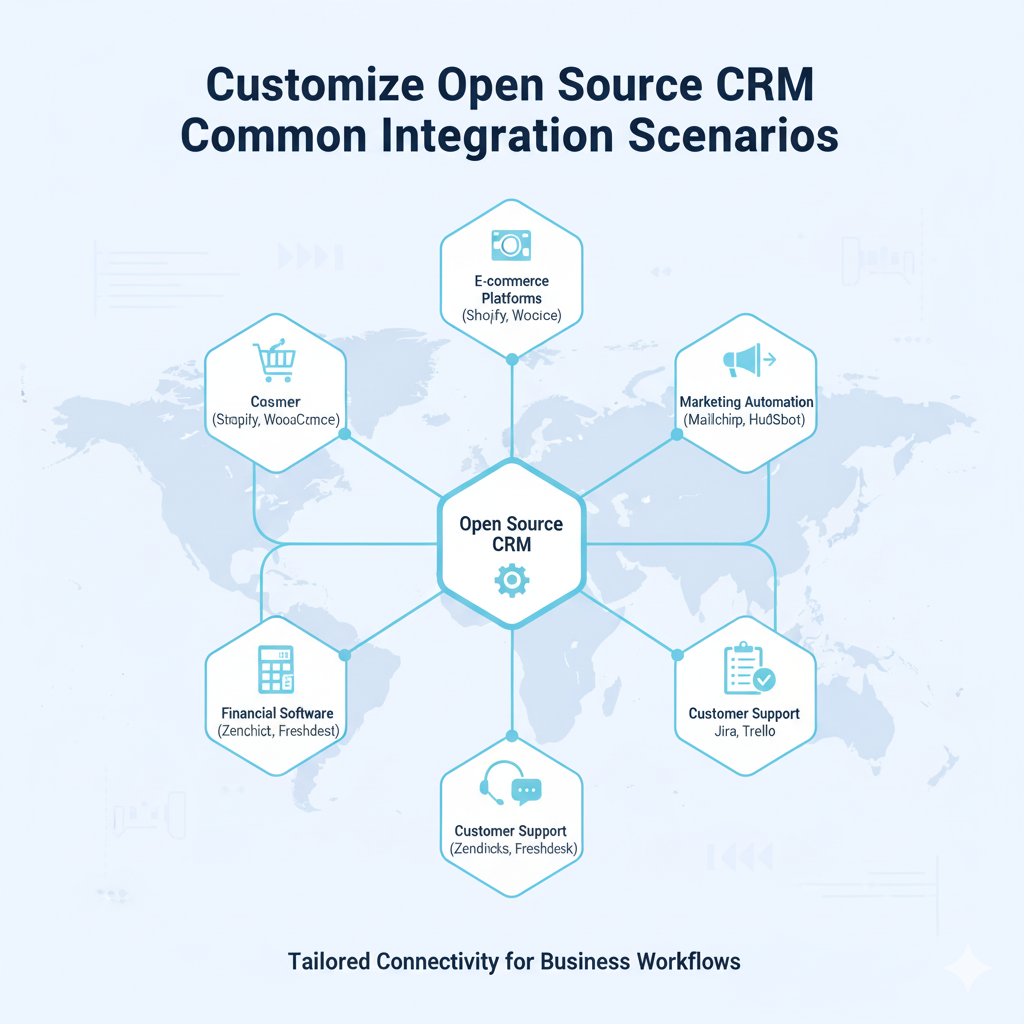
Customize Open Source CRM Common Integration Scenarios
- ERP Integration: Sync inventory, billing, and customer data bidirectionally.
- E-commerce: Automatically import orders/customers from Shopify/WooCommerce.
- Marketing Automation: Export CRM contacts to MailChimp, HubSpot, or other platforms, sync engagement scores.
- Customer Support: Trigger Zendesk or Freshdesk tickets from CRM activity.
- Analytics/AI: Feed CRM data into dashboards or ML-based lead scoring.
Best Practices for CRM API Integration
- Document your integration and customizations thoroughly.
- Secure ALL endpoints (use token-based authentication, enable role-based access).
- Build error-handling and notification logic (retry failed calls, log errors).
- Optimize API usage (batch requests, paginated endpoints).
- Plan for scalability (modular code, use queues for high-volume data).
Customize Open Source CRM Recommended Tools
| Tool | Purpose | Link |
|---|---|---|
| Postman | API testing | https://www.postman.com |
| Zapier | No-code integration | https://zapier.com |
| Swagger | API documentation | https://swagger.io |
| Odoo Docs | API reference | https://odoo.com/documentation/ |
| SuiteCRM Docs | API reference | https://suitecrm.com |
Table: Open Source CRM API Features Comparison
| Feature | SuiteCRM | EspoCRM | Odoo CRM | PerfexCRM |
|---|---|---|---|---|
| REST API Support | Yes | Yes | Yes (JSON-RPC) | Yes |
| OAuth 2.0 Authentication | Yes | No | Yes | No |
| Webhooks | Yes | Limited | Yes | Limited |
| Custom Modules Support | Extensive | Moderate | Extensive | Moderate |
| API Documentation | Comprehensive | Good | Comprehensive | Moderate |
| Community Support | Large, active | Medium | Large, corporate | Small |
Conclusion
Ultimately, successfully implementing and customizing open source CRM APIs empowers businesses to create robust, interconnected systems. As a result, these systems optimize workflows and deepen customer engagement. By carefully planning integration objectives, choosing the right CRM platform, and leveraging both no-code and developer-driven customization approaches, organizations can unlock the full potential of their CRM. Furthermore, adherence to best practices in security, documentation, and monitoring ensures a resilient and scalable integration framework.
Open source CRMs like SuiteCRM, EspoCRM, Odoo, and PerfexCRM provide the flexibility and extensibility to be tailored precisely to your organizational needs — making seamless system integration not just possible, but a strategic advantage.
![Why Are People Leaving SuiteCRM? [Insights & Alternatives]](https://devdiligent.com/blog/wp-content/uploads/2025/10/Untitled-design-10.png "Why Are People Leaving SuiteCRM? [2025 Insights & Alternatives]")