Cybersecurity threats are evolving fast, and by 2026, small businesses have become one of the primary targets for hackers, phishing networks, ransomware groups, and automated AI-powered attacks. The reason is simple: small companies often rely on digital systems—CRM, ERP, mobile apps, cloud platforms—but don’t always have dedicated cybersecurity teams.
Small business owners, startup founders, and service providers using CRM systems, mobile apps, e-commerce websites, internal dashboards, or custom software can use this guide to learn the essential steps needed to stay safe in 2026.
This is a beginner-friendly, highly actionable, evergreen cybersecurity checklist that applies to all industries, including:
- – Tech startups
- – Agencies
- – Nonprofits
- – Retail shops
- – Service-based businesses
- – Companies using CRM or ERP solutions
Let’s begin.
Why Cybersecurity Matters More Than Ever in 2026
Cyberattacks are no longer random. Hackers now use:
- – AI-powered intrusion tools
- – Automated phishing generators
- – Credential-stealing bots
- – Cloud-based ransomware payloads
- – API exploitation tools targeting mobile apps
Small businesses using custom CRMs, ERPs, Flutter mobile apps, Laravel web apps, AWS cloud servers, and internal dashboards are especially vulnerable.
2026 Cybersecurity Stats Every Business Should Know
- – 61% of cyberattacks target small businesses
- – 40% of small companies close within 6 months of a major cyber incident
- – 85% of data breaches involve weak passwords or stolen credentials
- – 70% of businesses use outdated software, making attacks easier
- – 93% of small companies rely on cloud apps but lack proper cloud protection
This is why understanding cybersecurity basics is no longer optional.
1. Secure CRM, ERP, and Mobile Apps — Most Critical Assets
Most small businesses rely on:
- – CRM systems
- – ERP systems
- – Custom admin panels
- – Internal web apps
- – Mobile apps for customers or employees
- – Cloud-hosted dashboards
These systems store the most sensitive data, including:
- – Customer data
- – Payment info
- – Staff details
- – Business financials
- – Case notes or internal documents
That makes them the #1 target.
How to Protect CRM & ERP Systems in 2026
Whether business uses Custom CRM Software, CodeIgniter CRM, Laravel ERP, or SaaS CRMs, apply these:
1. Enable multi-factor authentication (MFA): Passwords alone are no longer enough.
2. Limit user access (Role-Based Access Control): Not every employee should access every module.
3. Encrypt all sensitive data: Use encryption for both:
- – Data at rest
- – Data in transit
4. Audit all CRM & ERP logins monthly: Look for unusual login locations or suspicious activity.
5. Keep CRM custom code updated: For businesses using:
- – Custom CRM Software Development
- – Laravel-based CRM systems
- – CodeIgniter Web Apps
- – Node.js admin panels
- – Flutter mobile app APIs
Security patches must be applied regularly.
6. Ensure API-level security for mobile apps: Especially if business uses:
- – Flutter Hybrid App Development
- – Android/iOS apps
- – Backend Admin Panels for apps
APIs are the #1 target of hacking attempts in 2026.
2. Strengthen Cloud Security (Especially AWS Cloud Users)
Businesses using AWS Cloud Consultation Services, digital hosting, S3 storage, EC2 servers, or cloud-based CRMs must prioritize cloud security.
2026 Cloud Protection Essentials
1. Enable IAM roles instead of root keys
2. Block public S3 buckets
3. Set automated backups
4. Use AWS WAF to block bot attacks
5. Enable CloudTrail monitoring
6. Set up DDoS protection
Cloud attacks are rising because more businesses rely on cloud-based systems without configuring them properly.
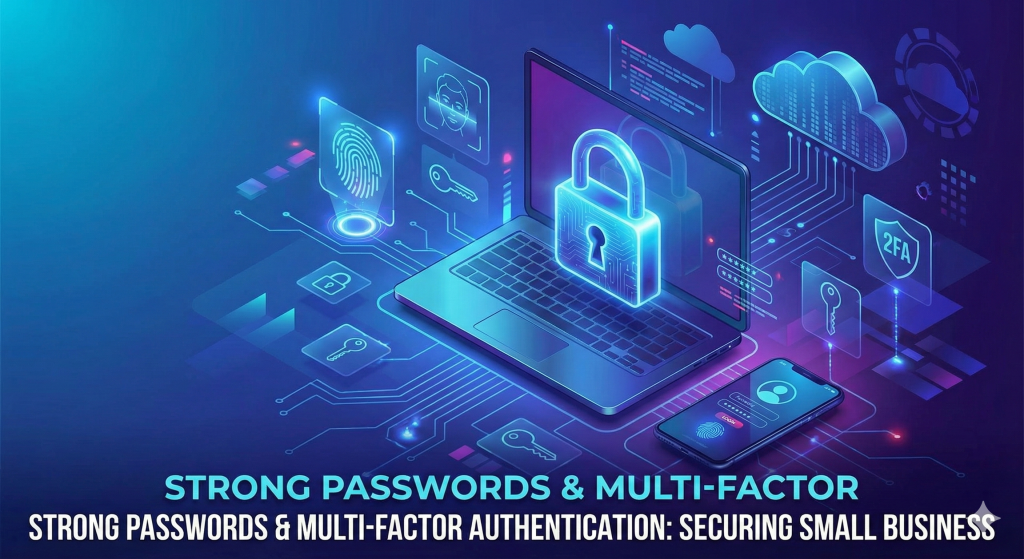
3. Use Strong Password & Identity Security
Weak passwords are the #1 cause of breaches in small businesses.
Password & Access Control Essentials
- – Use 12–16 characters minimum
- – Require symbols, capital letters, and numbers
- – Change passwords every 90 days
- – Use a password manager
- – Never share passwords via WhatsApp/email
Enable MFA Everywhere
For:
- – CRM access
- – ERP management panels
- – AWS console
- – Company emails
- – Mobile app backend login
- – WordPress or website admin panels
If a platform supports 2FA or MFA, turn it on.
4. Always Update Website, CRM, ERP & Mobile Apps
Outdated systems are easy targets.
If business uses:
- – Laravel Web App Development
- – CodeIgniter Development Services
- – Flutter Hybrid Apps
- – Custom dashboards or admin panels
- – PHP, Node, or Python backends
- – CMS platforms (WordPress, Shopify, Magento)
Then monthly updates are critical.
Hackers scan the internet daily for:
- – Old plugins
- – Unpatched themes
- – Deprecated frameworks
- – Vulnerable API endpoints
Updating prevents 85% of security issues.
5. Secure Business Wi-Fi, Office Network & Devices
Even small internal mistakes can open the door to hacking.
Network Security Essentials
- – Change the default Wi-Fi password
- – Use WPA3 security
- – Hide SSID if possible
- – Separate guest Wi-Fi from staff Wi-Fi
- – Use a secure router with firewall enabled
Device Security Basics
- – Install antivirus on all computers
- – Enable firewalls
- – Keep operating systems updated
- – Use biometric locks on devices
This is simple but extremely effective.
6. Protect Business Emails — The #1 Entry Point for Attacks
Phishing attacks in 2026 are AI-generated, more realistic than ever.
Email Security Checklist:
1. Use a business email domain
2. Enable spam filters
3. Never click unknown attachments
4. Train employees to spot phishing
5. Use DMARC, SPF & DKIM to prevent spoofing
If business runs:
- – CRM email automation
- – ERP notifications
- – Mobile app OTP or transactional emails
- – Customer support emails
Then email security becomes even more critical.
7. Backup Everything — Automatically
Backups save businesses from ransomware, system crashes, or accidental deletion.
What to Back Up:
1. CRM & ERP databases
2. Custom software source code
3. Mobile app backend
4. Website files
5. AWS storage
6. Employee documents
Backup Frequency (2026 Recommended)
- – Daily backups
- – Weekly full backups
- – Monthly system images
Use offline, cloud, and server-based backups.
8. Protect Mobile Apps (Flutter, Android, iOS)
If business offers mobile apps, these must be secured too.
For Flutter Hybrid App Development:
1. Secure API keys
2. Enable SSL pinning
3. Use token-based authentication
4. Encrypt sensitive mobile data
5. Protect backend admin panels
6. Avoid exposing internal endpoints
Mobile apps are major targets because many companies forget to secure backend APIs.
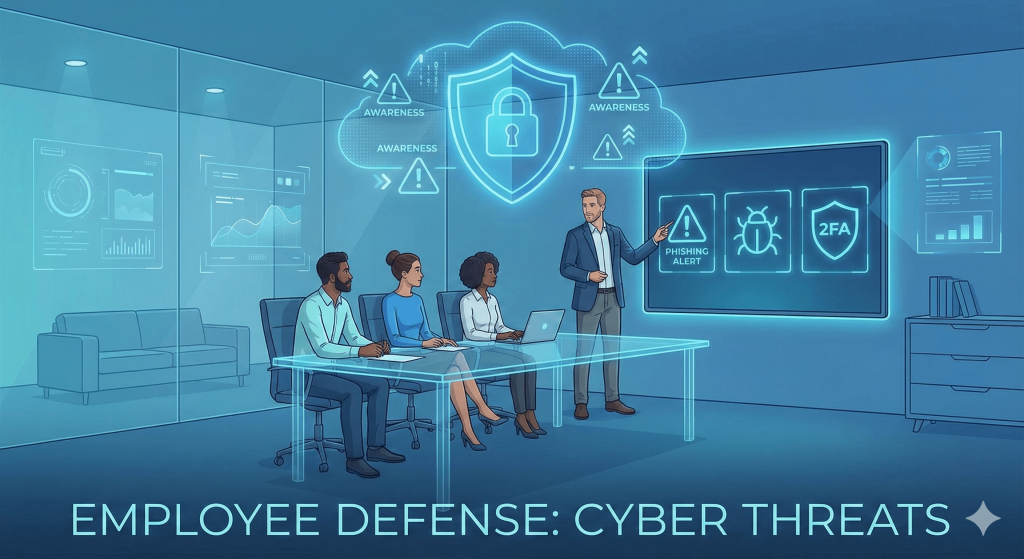
9. Train Employees — The Most Important Cyber Defense
Most cyber incidents happen because of human mistakes.
Must-Have Employee Training Topics:
- – Recognizing phishing emails
- – Safe password practices
- – Secure file-sharing
- – Social engineering awareness
- – Safe use of company devices
This is part of building a cyber-aware culture.
10. Use Professional Cybersecurity Support When Needed
If business relies on:
- – Custom CRM Software Development
- – Enterprise-level ERP systems
- – Large mobile applications
- – AWS cloud architecture
- – Sensitive customer data
Then hiring cybersecurity consultation or managed IT support is extremely valuable.Even a one-time audit can save business from long-term loss.
Conclusion: Cybersecurity in 2026 Doesn’t Need to Be Complicated
No technical expertise is required for a small business to stay protected.
Start with these simple cybersecurity essentials for Small Businesses 2026, and reduce over 90% of common security risks:
- Strong passwords & MFA
- Regular updates
- Secure CRM/ERP systems
- Protected cloud environment
- Mobile app & API security
- Employee training
- Daily backups
By implementing these basics, Make business stays safe, secure, and resilient in 2026 — even as cyber threats evolve.If business uses custom CRMs, mobile apps, AWS cloud, or custom ERP systems, system security needs are even more crucial.