In today’s fast-paced business world, managing jobs, orders, and customers across multiple departments can be challenging. A CRM order management system helps businesses streamline operations, track orders, manage customers, and improve overall workflow efficiency — all from a single platform.
Whether you run a trade, retail, or commercial business, an integrated CRM for order management can save you time, reduce manual errors, and boost customer satisfaction.
In this blog, we’ll explore how Devdiligent’s Jobs/Orders Management System works. Specifically, we’ll examine its key features for different industries, and furthermore, we’ll show how businesses can benefit from using a reliable CRM job management software.
Watch Our CRM Demo:
Ready to improve efficiency? Experience the power of seamless job and order management—watch our CRM demo to see real features in action.
What Is a CRM Order Management System?
A CRM order management system combines customer relationship management (CRM) tools with order and job tracking features. It allows you to manage every step — from receiving an inquiry to fulfilling an order — while maintaining a 360° view of your customers.
Unlike traditional spreadsheets or standalone job management apps, this system connects your sales, inventory, dispatch, and finance operations in one place. It’s ideal for companies that want to:
- – Track customer orders efficiently
- – Manage job progress in real time
- – Monitor product availability and supplier data
- – Generate insightful reports for smarter decisions
Why Businesses Need CRM for Order Management
Modern businesses — especially those handling multiple jobs or orders daily — can’t afford delays or data silos. A CRM for order management ensures every department stays in sync.
Here’s why it’s becoming essential:
- – Centralized Information – Access all customer, job, and order data from one dashboard.
- – Automated Workflows – Reduce manual entry by automating repetitive processes.
- – Improved Accuracy – Eliminate human errors during job tracking or dispatching.
- – Better Customer Experience – Track orders in real time and provide accurate updates.
- – Scalability – Suitable for trade, retail, and commercial sectors alike.
Three Main Categories: Trade, Retail & Commercial
Our Jobs/Orders Management System is designed with flexibility in mind—consequently, it adapts to the specific workflow of different industries. Let’s break it down by category:
1. Trade Businesses
Trade companies like installers, builders, or maintenance services rely heavily on job tracking and timely dispatching. Therefore, the CRM order management solution offers tailored features to streamline every step.
Key Features for Trade
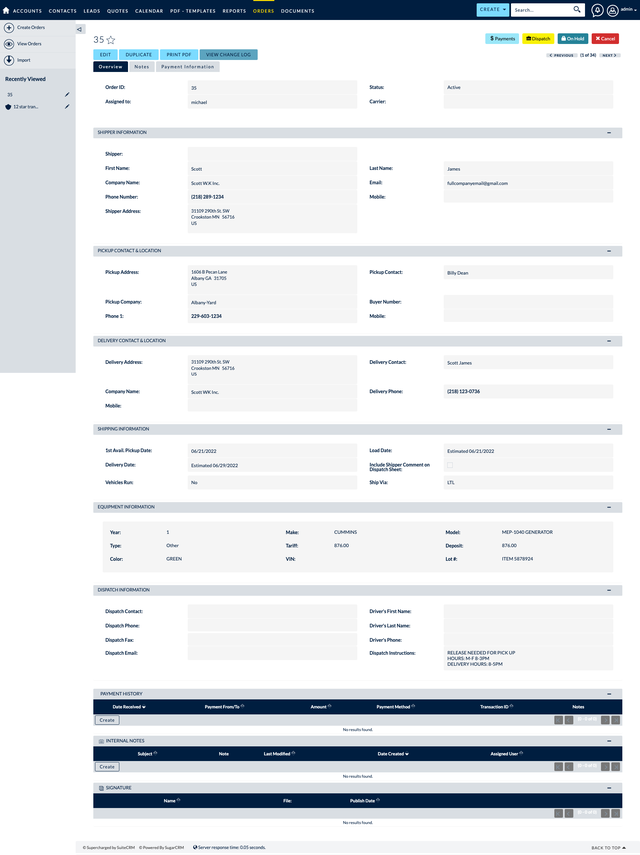
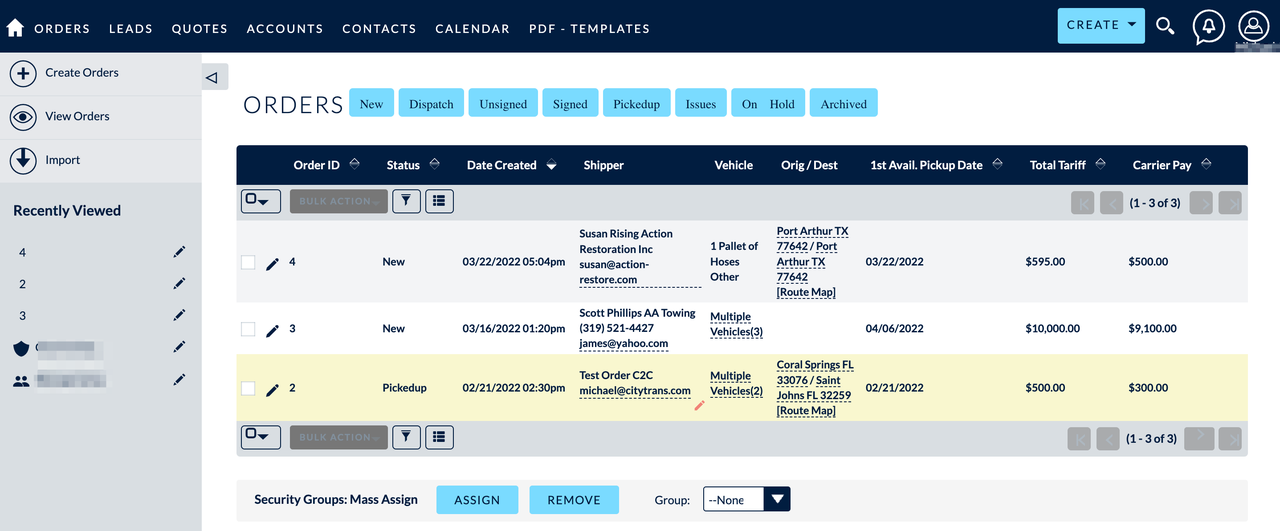
- – Orders Management: Create, update, and track all customer orders with ease.
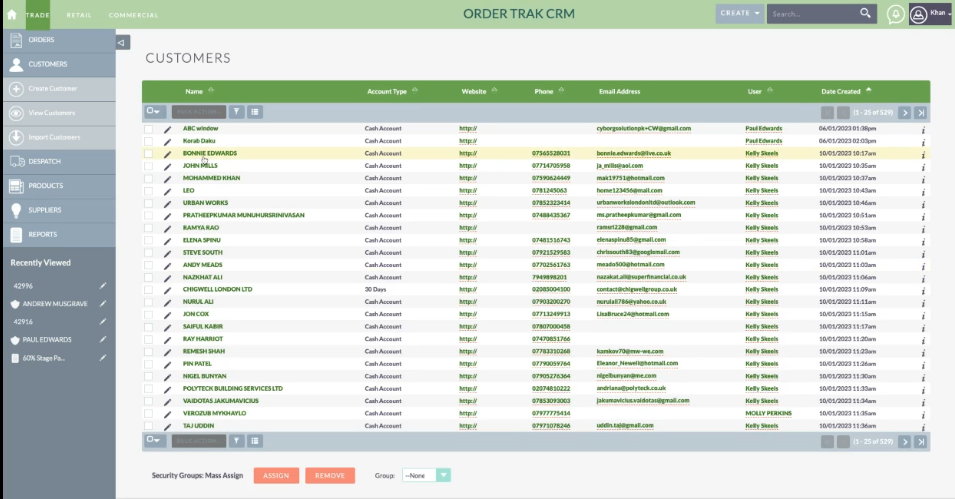
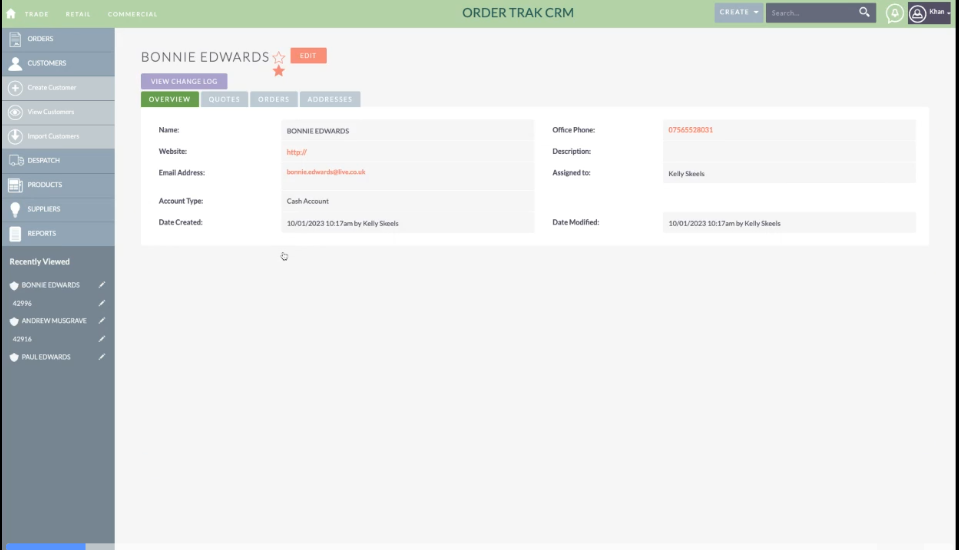
- – Customer Management: Create new customers, view existing records, or import customer data in bulk.
- – Dispatch: Assign jobs or deliveries, track dispatch status, and manage workforce efficiently.
- – Products & Inventory: Keep stock records updated with product descriptions, pricing, and supplier info.
- – Suppliers: Manage your supplier relationships and order materials directly through the system.
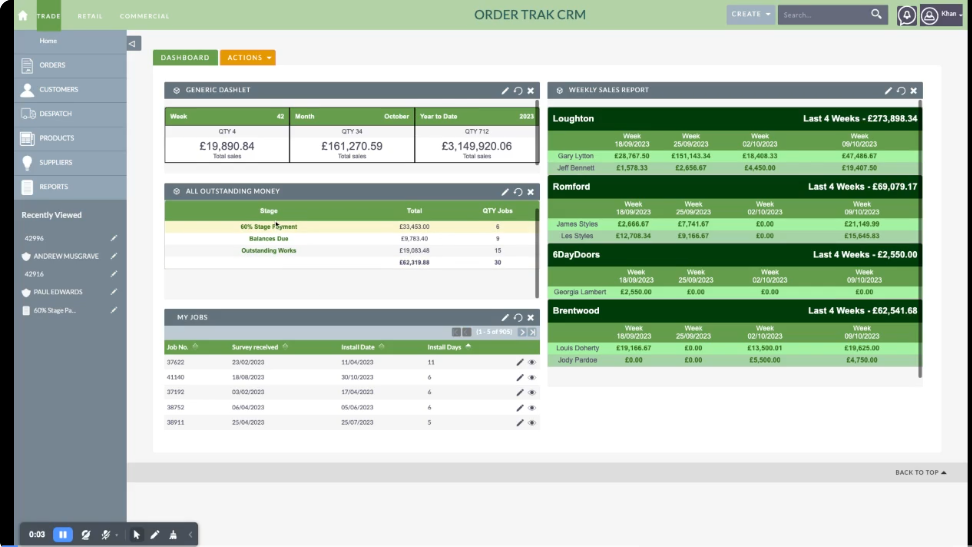
- – Reports: Generate real-time performance and financial reports for accurate business insights.
By integrating these tools, trade businesses gain complete visibility from inquiry to job completion — ensuring no detail is missed.
2. Retail Businesses
Retailers manage numerous customer orders, payments, and product deliveries daily. A CRM order management system simplifies this by automating order tracking and ensuring smooth communication across departments.
Retail CRM Highlights
- – Manage both online and offline sales efficiently
- – Synchronize stock levels automatically
- – Handle multiple payment methods and billing records
- – Simplify returns and exchanges
- – Improve customer loyalty with accurate order histories
Retailers using CRM job management software free versions can start small and scale up as their business grows — making it an affordable, flexible solution.
3. Commercial Businesses
Commercial operations often involve large-scale orders, multiple departments, and complex approval chains. A CRM job management software ensures smoother collaboration, real-time updates, and complete transparency.
Job Module Key Features
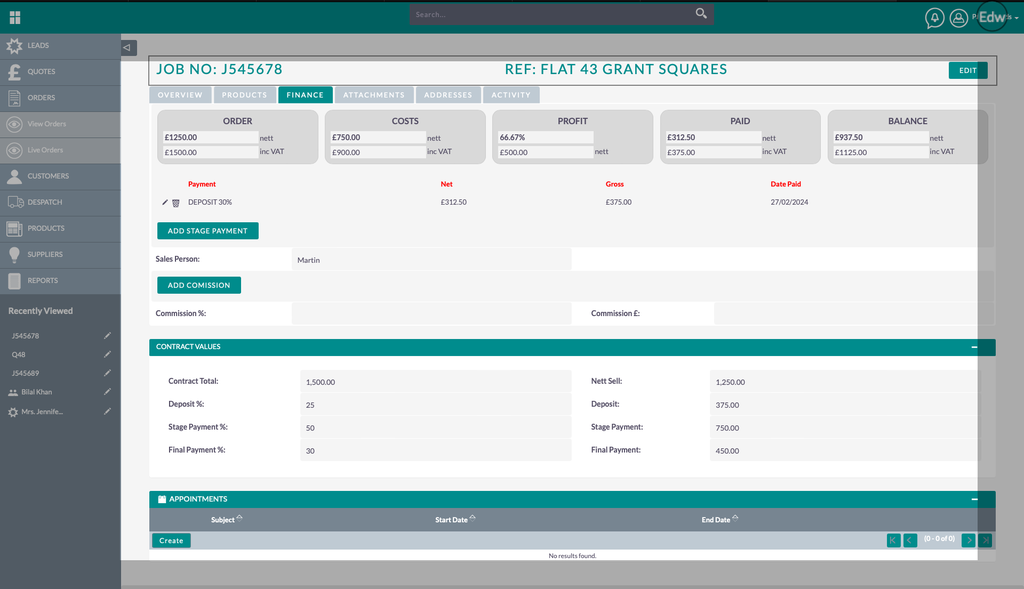
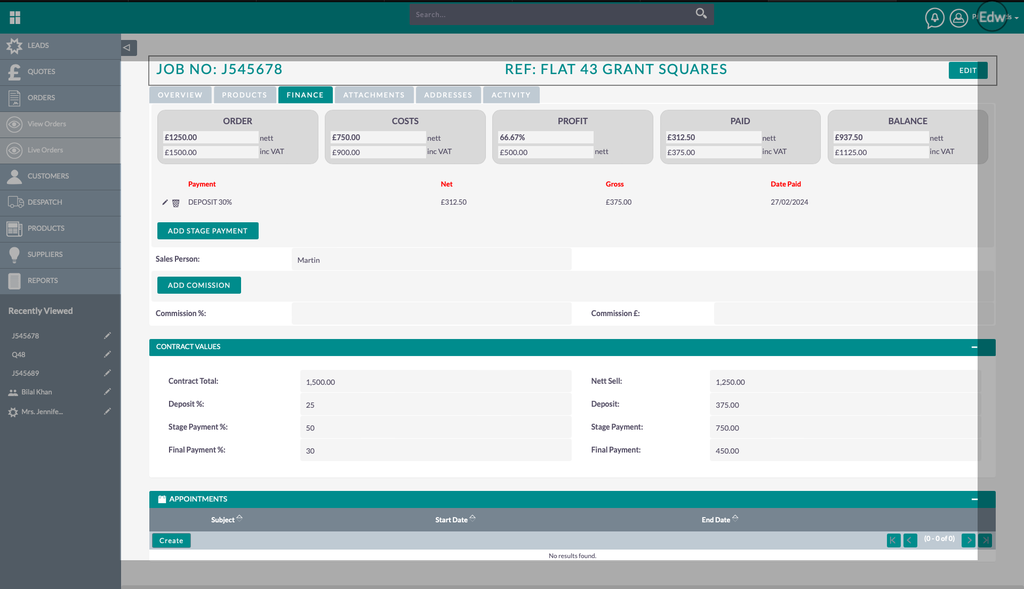
- – Overview: Central dashboard displaying all ongoing jobs and their current stages.
- – Products: Track product requirements for each job, manage stock, and reorder easily.
- – Finance: Handle job-related quotes, invoices, and expense tracking.
- – Attachments: Upload important documents, contracts, and receipts for easy access.
- – Address: Store multiple delivery or site addresses.
- – Activity: Track communication history, comments, and staff updates for accountability.
This structure ensures all stakeholders — from managers to on-site teams — stay informed and aligned.
Benefits of Using a CRM Job Management Software
Whether you run a small service business or a large company, the benefits are clear:
- – Full Visibility: View the complete job lifecycle, from creation to invoicing.
- – Data Accuracy: Centralized system minimizes duplication and confusion.
- – Time Efficiency: Automated notifications and reminders speed up processes.
- – Performance Insights: Built-in analytics and reports help improve productivity.
- – Customer Satisfaction: Fast responses and transparent order tracking boost trust.
If you’re looking for a CRM job management software free version to start with, you can test the system with limited users before upgrading to advanced modules.
Integration Possibilities
Modern CRM order management systems are designed to integrate seamlessly with other tools:
- – Accounting platforms like QuickBooks or Xero
- – Inventory systems
- – Email and SMS automation tools
- – Third-party apps via API connections
Such integrations allow businesses to operate smarter, reducing manual work while improving communication between teams.
Conclusion
A modern CRM order management system is more than just software—it’s the backbone of an efficient business. Moreover, from trade to retail and commercial operations, it helps manage jobs, track orders, monitor finances, and maintain customer satisfaction effortlessly.
If your company still relies on spreadsheets or disconnected tools, now’s the time to upgrade. With a feature-rich CRM for order management, you can simplify workflows, gain better insights, and deliver faster — all while keeping customers happy.